Product Photography
How to Convert a Product Photo into an AI Prompt for E-Commerce Photography
July 20, 2026 · 14 min read
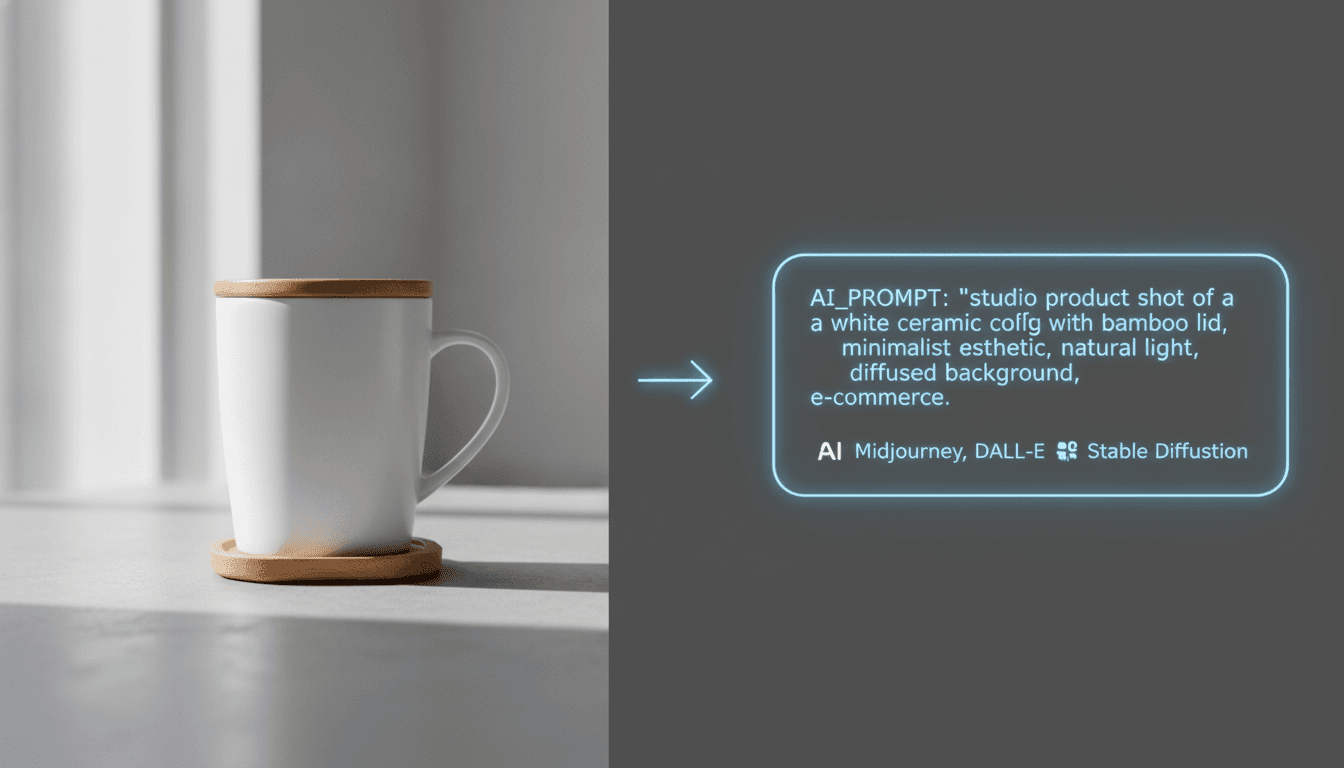
A single product photo is one of the most information-dense images you can hand to an AI image generator, and one of the most poorly prompted. Most people who try to convert a product photo to an AI prompt either write three vague adjectives ("clean," "modern," "professional") or dump every visible detail into one long sentence with no priority order. Both approaches produce results that look like generic stock photography instead of your actual product.
Product photography is a narrower, more technical genre than portraits or landscapes. The subject rarely changes shape or expression, so almost all of the visual information lives in the lighting, the surface it sits on, the camera angle, and the material it's made of. Get those four things right in a prompt and an AI generator can recreate a packshot, a lifestyle shot, or a hero image that actually matches what a client, a catalog, or a Shopify listing needs.
Why Product Photos Need a Different Prompting Approach
When you prompt for a portrait or a landscape, the model has enormous creative latitude — a face can be lit a dozen different ways and still read as "good." Product photography doesn't have that latitude. A bottle, a sneaker, or a piece of furniture has a fixed shape, a fixed material, and usually a fixed brand color, and the client evaluating the output knows exactly what it's supposed to look like. That means a product prompt has to be far more literal and far less interpretive than the prompts you'd write for concept art.
This is also why generic prompting advice underperforms here. Stacking mood words like "cinematic" or "epic" does nothing for a product shot — nobody is judging your packshot on cinematic flair. What they're judging is whether the reflections on the surface look correct, whether the shadow falls the way a real studio light would cast it, and whether the material — glass, brushed metal, matte cardboard, leather — reads as that material and not as a generic plastic sheen. Converting a product photo into a prompt means translating those specific, checkable details into words, not describing a vibe.
The upside is that this makes product photography prompts more mechanical, and mechanical things are easy to get consistently right once you know the checklist. The rest of this guide walks through that checklist.
Breaking a Product Photo Down Into Prompt Layers
Look at any reference product photo and you can decompose it into five layers. Describe each layer in order, and the resulting prompt reads the way a photographer's shot list reads — which is exactly the structure image generators respond to best.
Subject and product type
Name the object specifically, not generically. "A matte ceramic coffee mug with a wide handle" gives the model far more to work with than "a mug." If the product has a distinctive silhouette — a tapered neck on a bottle, a chunky sole on a sneaker — describe the shape, since the model can't see a reference image unless you're using an actual image-to-prompt tool.
Lighting and studio setup
This is the highest-leverage layer in the entire prompt. Studio product photography almost always uses one of a handful of repeatable setups: a softbox key light with a fill card, a lightbox with even diffused light from all sides, or a single hard light for a dramatic, high-contrast look. Name the setup instead of the mood — "softbox lighting from camera-left with a white fill card on the right, soft shadow falling to the lower-right" will get you a far more consistent, reproducible result than "nice lighting."
Background and surface
Specify both what's behind the product and what it's resting on, since they're often different surfaces. "Seamless white backdrop" is the standard e-commerce packshot background, but a lifestyle shot might call out "honed concrete surface with a warm wooden backdrop out of focus." If the product needs to look like it's floating for a marketplace listing, say so explicitly — "product isolated on pure white, no visible shadow" is a specific, well-understood instruction to most models.
Camera angle and lens language
Product photography has its own vocabulary for angle: a straight-on hero shot, a three-quarter angle that shows two faces of the product, a top-down flat lay, or a low angle that makes the product feel larger. Pair the angle with a lens cue — "85mm macro lens, shallow depth of field" reads very differently to a model than "50mm lens, everything in focus," and the two will produce noticeably different results.
Color palette and material texture
Close by naming the palette and the material finish — "brushed stainless steel with cool blue-grey highlights" or "warm cream and terracotta palette, matte finish." This is where a lot of prompts go wrong: people describe color in isolation ("blue product") instead of tying it to the material's finish (matte, glossy, satin, brushed), which is what actually determines how the color reads under studio light.
Shot Types You Should Recognize Before You Prompt
Before you write a single word of the prompt, decide which of these shot types you're actually trying to recreate. Each one implies a different composition, and naming the shot type up front does most of the work of setting that composition correctly.
- Packshot — the product alone on a seamless white or neutral background, usually straight-on or three-quarter angle, used for catalogs and marketplace listings.
- Hero shot — a single dramatic, high-production image of the product, often with more elaborate lighting and a styled background, used for landing pages and ads.
- Lifestyle shot — the product in a real or realistic environment (a mug on a kitchen counter, boots on a wooden floor), used to show scale and context.
- Flat lay — a top-down composition, often with the product surrounded by complementary props, common for cosmetics, food, and small accessories.
- Detail or macro shot — a close crop on texture or a specific feature (stitching, a zipper, a label), used to communicate build quality.
Mixing these up is a common source of disappointing results — asking for a packshot's clean isolation while also describing a lifestyle scene's props and background produces a confused composition that satisfies neither brief. Pick one shot type per prompt.
A Step-by-Step Framework for Converting a Product Photo Into a Prompt
With the five layers in mind, here's the order that produces the most reliable results, whether you're writing the prompt by hand or reviewing one an AI tool generated for you:
- Start with the product itself: material, shape, and any distinguishing design detail.
- State the shot type: packshot, lifestyle, flat lay, or hero shot — this sets expectations for composition before anything else.
- Describe the camera angle and lens (three-quarter view, top-down, 85mm macro, shallow depth of field).
- Name the lighting setup, not a mood word (softbox key light from camera-left, even diffused lightbox lighting, single hard side light).
- Describe the background and the surface separately (seamless white backdrop vs. honed concrete surface).
- Add the color palette, tied to material finish (matte, glossy, satin, brushed).
- Close with quality and format tags relevant to your target tool (studio quality, high resolution, commercial product photography).
- Read the finished prompt back as a sentence — if it reads like a photographer's shot note, it's ready; if it reads like a list of disconnected adjectives, tighten it.
Notice that quality tags come last, not first. It's tempting to lead with "award-winning, ultra-detailed, 8k" because those phrases feel important, but they carry the least specific information of anything in the prompt. Models handle them fine appended at the end; putting them first just pushes your actual product description further from the start of the prompt, where it has the most influence.
Formatting for Midjourney, Stable Diffusion, and DALL-E
The five-layer description above works as a foundation everywhere, but each generator rewards slightly different formatting on top of it: Midjourney and Stable Diffusion favor dense, comma-separated descriptor lists, while DALL-E performs better with a natural, grammatical sentence describing the same shot.
Midjourney responds best to dense, comma-separated descriptor lists with the product and shot type front-loaded, and it's worth using --ar 16:9 or --ar 1:1 depending on whether you're producing a banner image or a marketplace thumbnail. Stable Diffusion, particularly SDXL, handles the same dense style well but is more literal about negative prompts — for product shots, a negative prompt excluding "blurry, distorted proportions, extra objects, cluttered background" meaningfully cleans up results. DALL-E is the outlier: it performs best with a natural, grammatical sentence rather than a tag list, so the same five-layer description should be rewritten as flowing prose rather than comma-separated fragments.
If you're producing images for multiple platforms from one product photo, write the five-layer description once, then adapt the formatting per target rather than writing three prompts from scratch. The underlying analysis doesn't change — only the syntax wrapped around it does.
Aspect ratio deserves its own line in the prompt rather than being an afterthought, since it changes how much of the composition the model has room to fill. A 1:1 ratio suits a marketplace thumbnail or a packshot; 16:9 suits a website hero banner or a lifestyle scene with room to breathe around the product; 4:5 is the safer default for social feed placements. Decide the ratio based on where the image will actually be used, and set it explicitly rather than accepting whatever the generator defaults to.
Common Mistakes That Wreck Product Photography Prompts
Most weak product prompts fail in one of these specific ways:
- Describing color without material finish, so "red" comes out as flat plastic-red instead of the glossy lacquer or matte ceramic the product actually is.
- Naming a mood instead of a lighting setup — "professional lighting" tells the model almost nothing reproducible.
- Skipping the background-vs-surface distinction, which causes the product to look like it's floating in the wrong environment.
- Leading with quality tags instead of the product description, burying the one thing that actually needs to be accurate.
- Using camera terms inconsistently across a batch, which produces a set of images that don't look like they belong to the same shoot.
- Forgetting to specify isolation ("on pure white, no shadow") for marketplace listings that require a clean cutout-ready background.
- Over-stacking style adjectives ("stunning, breathtaking, gorgeous") that add length without adding any information the model can act on.
Worked Example
Here's what the difference looks like in practice. Both prompts describe the same reference photo — a pair of leather boots on a wooden surface — but only one of them gives the model enough to work with.
Before and after
Weak prompt:
brown leather boots, product photo, high quality, professional

Converted prompt:
pair of chestnut-brown leather boots with visible grain texture and stitched welt detail, three-quarter angle hero shot, 50mm lens, shallow depth of field, softbox key light from camera-left with a white fill card on the right, warm honed-oak wooden surface, softly blurred neutral studio backdrop, warm amber and cognac palette, matte-satin leather finish, commercial product photography, high resolution
The converted version isn't longer for the sake of being longer — every added phrase corresponds to something visible and checkable in the source photo. That's the test for whether a product prompt is doing its job: could someone who has never seen the original photo picture the shot correctly from the words alone?
How Prompt Snap Automates This
Working through five layers by hand for every product in a catalog doesn't scale past a handful of images. Prompt Snap automates the process described above: upload a product photo and it identifies the subject and material, reads the lighting setup, separates the background from the surface, names the camera angle, and pulls the palette — then writes the result in the same layered order this guide walks through, so the output reads like a photographer's note rather than a keyword dump.
Pro and Business plans go a step further and format that same underlying analysis for whichever generator you're targeting — dense comma-separated tags for Midjourney and Stable Diffusion, natural sentences for DALL-E — so you're not manually rewriting the same description three different ways for a single product shoot.
This matters most when you're working through a catalog rather than a single hero image. A batch of twenty products photographed in the same studio session should produce prompts that share the same lighting and camera language, so the generated images read as one consistent set instead of twenty unrelated renders. Running each photo through the same analysis keeps that vocabulary consistent without you having to manually track which words you used on product twelve.
How do I convert a product photo into an AI prompt?
Break the photo into five layers and describe them in order: the product's material and shape, the shot type (packshot, lifestyle, flat lay), the camera angle and lens, the lighting setup by name rather than mood, and the background and surface separately. Close with a color palette tied to material finish, then quality tags last.
What's the biggest mistake people make prompting product photos?
Naming a lighting mood instead of a lighting setup. "Professional lighting" gives a model nothing reproducible; "softbox key light from camera-left with a white fill card" describes an actual, repeatable studio configuration the model can render consistently.
Do I need different prompts for Midjourney, Stable Diffusion, and DALL-E?
The underlying description stays the same, but the formatting should change. Midjourney and Stable Diffusion respond well to dense, comma-separated descriptor lists; DALL-E performs better with a natural, grammatical sentence describing the same shot.
How do I get a clean, isolated product shot for marketplace listings?
Explicitly state the isolation in the prompt — "product isolated on pure white background, no visible shadow" — rather than just saying "white background," which can still produce a soft shadow or a slight gradient that fails a strict marketplace image requirement.
Why do AI product photos sometimes look like generic stock photography?
Because the prompt described a vibe instead of a specific shot — vague adjectives like "clean" and "modern" don't anchor the model to your product's actual shape, material, or color, so it defaults to the most common version of a generic product image it has seen.
Can Prompt Snap generate product photography prompts automatically?
Yes. Upload a reference product photo and Prompt Snap analyzes the subject, lighting, background, angle, and palette, then writes a structured prompt in that order — and on Pro and Business plans, formats it specifically for Midjourney, Stable Diffusion, or DALL-E.
What aspect ratio should I use for product photography prompts?
Match the ratio to where the image will be used: 1:1 for marketplace thumbnails and packshots, 16:9 for website hero banners and wider lifestyle scenes, and 4:5 as a safe default for social feed placements. Set it explicitly in the prompt rather than relying on the generator's default.
Conclusion
Product photography prompts reward precision over flair. Because the subject's shape and identity are fixed, almost all of the useful information in a good prompt lives in four checkable details: lighting setup, background versus surface, camera angle, and material-tied color. Work through those in order, save quality tags for the end, and adapt the formatting — not the underlying description — to whichever generator you're targeting.
Once that framework is second nature, converting any product photo into a usable prompt takes a few minutes by hand — or a few seconds if you let Prompt Snap do the analysis for you.
Related Reading
Converting images into prompts across tools
Want the broader workflow — reverse-engineering prompts with ChatGPT, Gemini, and dedicated tools, then formatting the result for Midjourney, Flux, Stable Diffusion, and DALL-E? Read the full guide.
How to Convert Product Images into AI PromptsPrompting food photography specifically
Food adds its own layer on top of this framework — sensory cues like steam, glisten, and browning that a bottle or a sneaker never needs. See how the approach adapts for dishes, menus, and food content.
Convert Food Photography into AI PromptsTurn any product photo into a prompt
Upload a product photo to Prompt Snap and get a structured, ready-to-use prompt for Midjourney, DALL-E, and Stable Diffusion in seconds.
Try Prompt Snap